I have a box full of coloring books. I prefer to make my own drawings and color them. When I am creating a drawing on the computer, I normally use CorelDraw. I have been using this software package since Version 3. It has taught me a lot about graphics that has carried over into other graphics packages.
I normally start a drawing with creating a template.
The Color Blocks drawing started with the template below:

At first, I did not know what I was going to do with it, so it went uncolored for a few days. Then I had the idea to use the primary colors to color the squares; Yellow (for the center squares), Red (for the top and bottom squares), and Blue (for the left and right squares). As the blocks overlapped each other, the secondary colors would appear; Orange, Green, and Purple. I changed the line color from black to white, so it would show up better. The Color Block drawing:
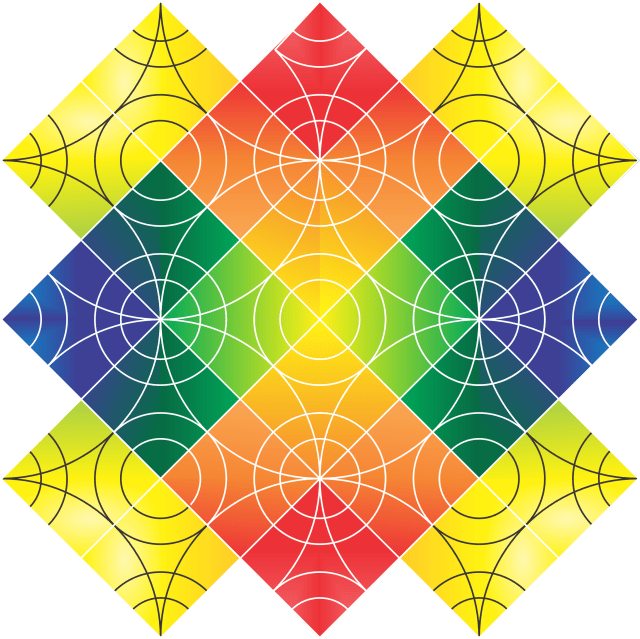
The Circles and Squares drawing also uses the same template.
 SarahCath's Art